![22 Important Pages Every Blog Needs [2024 Trends]](https://www.small-business-guide.com/wp-content/uploads/2024/12/fa1795af96a1a0e0/important-pages-for-blog.png)
When starting a blog, it’s not just about creating amazing content. It’s also crucial to set up the right structureto ensure your blog is easy to navigate, legally compliant, and optimized for SEO.
Each page on your blog serves a unique function that helps boost the user experience, engage readers, and improve your search rankings. In this article, we’ll explore the essential pagesevery blog should have, and why each one is important for your blog's success.
1. Homepage
The Homepageis the first impression of your blog and often the most visited page. It should be clean, engaging, and clearly showcase what your blog is about. Here’s how tomake your homepage shine:
Purpose: It serves as a gatewayto your blog's content, guiding visitors to your most important pages and posts.
Best Practices:
- Feature an introductory messagethat explains what the blog is about.
- Use strong CTAs (Calls to Action)to lead visitors to explore more.
- Include social proofsuch as popular posts or testimonials.
2. Contact Page
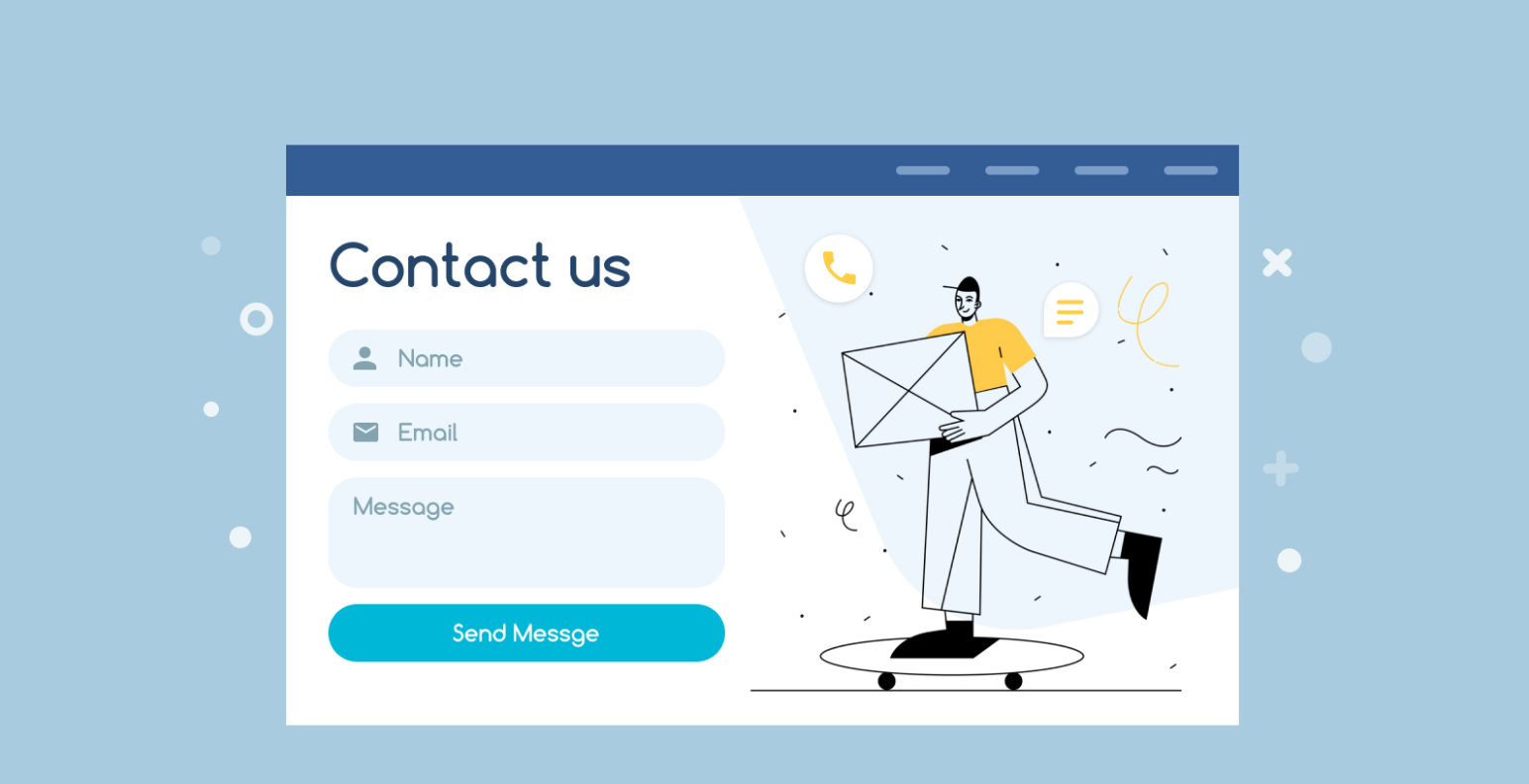
Your Contact Pageis where readers and potential clients can reach you. It’s a critical page for building trustand engagement. Here’s how to optimize it:
Purpose: It allows readers to communicate with you directly for inquiries, feedback, collaborations, or customer support.
Best Practices:
- Include an easy-to-fill contact form.
- Offer multiple contact options, such as email, phone, or social medialinks.
- Keep it simple and ensure quick response timesto enhance user satisfaction.
3. About Page
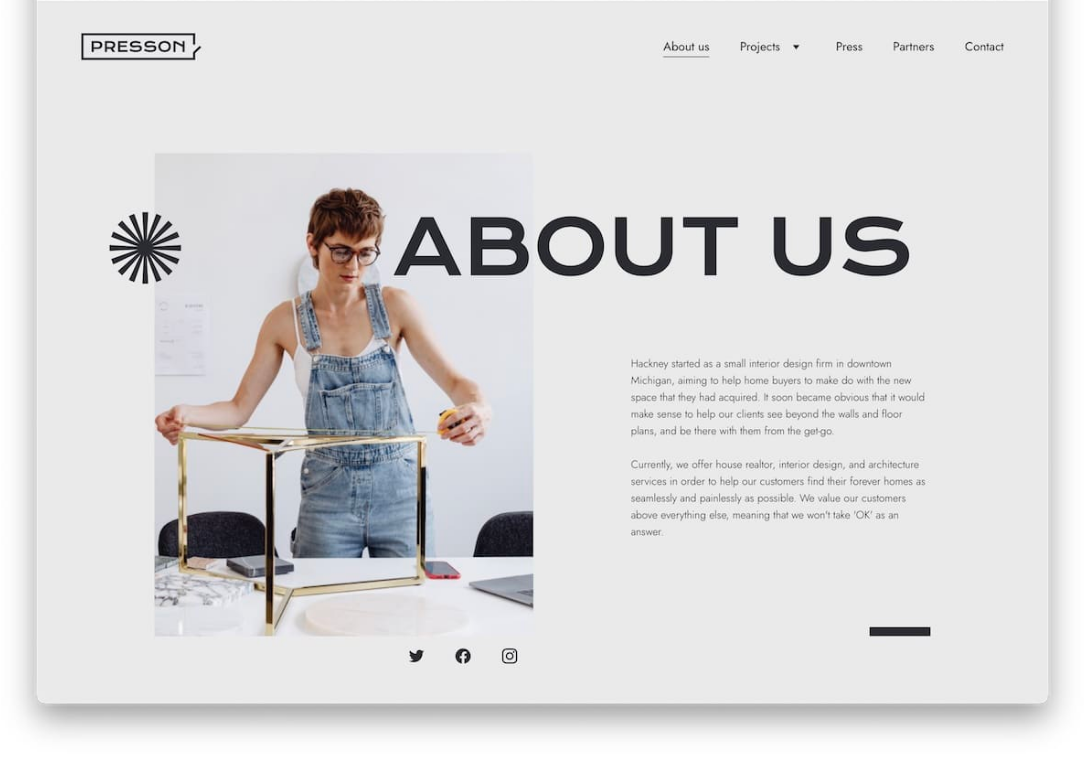
Your About Pagebuilds trust and helps establish a connectionwith your audience. This is where you tell your story and share your mission.
Purpose: To humanize your blog, show your expertise, and highlight the values that drive your content.
Best Practices:
- Keep it authentic and engaging, perhaps including personal anecdotes.
- Include photos, and introduce your team if applicable.
- Add a CTAthat invites users to explore more or connect with you on social media.
Related: Best Strategies To Drive Visitors To Your Blog In <year>
4. Start Here Page
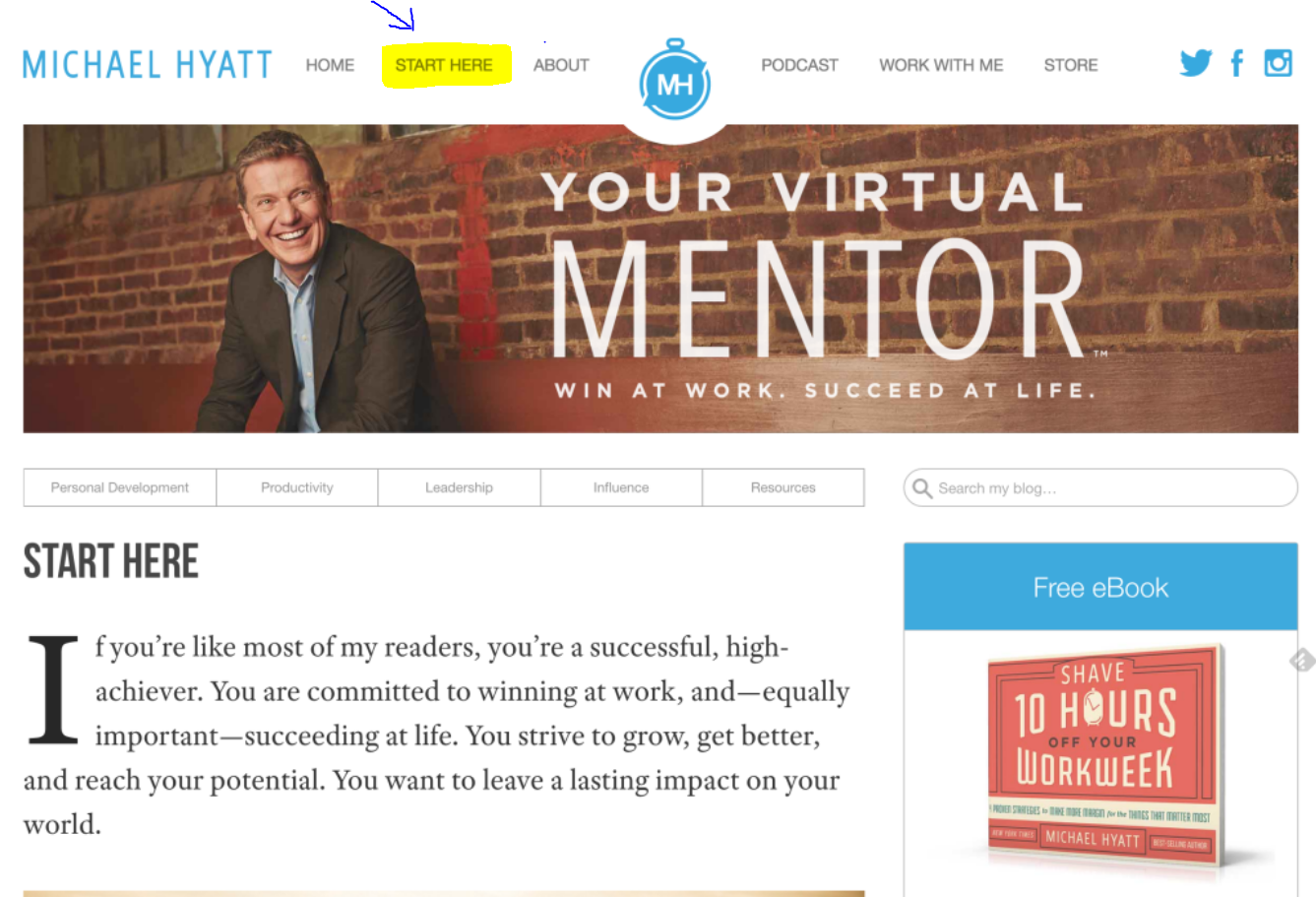
A Start Herepage helps new visitors navigate your blog by guiding them to your most valuable content.
Purpose:To give newcomers a clear path for exploring your blog and ensure they find the most relevant resources.
Best Practices:
- Highlight your key content and resources that offer the most value to new users.
- Provide clear directions on how visitors can best engage with your blog's offerings.
5. Services/Products Page
For blogs that offer services or products, this page is a key revenue driver.
Purpose: To showcase what you offer, whether it’s digital products, consulting, or physical goods.
Best Practices:
- Feature clear descriptions, prices, and calls to actionto encourage purchases or inquiries.
- Make it easy to navigate with multiple sectionsfor each service or product.
- Add social proof, such as testimonials or case studies, to boost credibility.
6. Privacy Policy
A Privacy Policyis required by law in many countries, especially if you're collecting user data. It’s essential for maintaining transparencyand compliance.
Purpose: To inform visitors about how their data is collected, used, and protected.
Best Practices:
- Be clear about what data you collect(e.g., names, emails, cookies).
- Ensure compliance with GDPR, CCPA, and other privacy laws if applicable.
- Link it prominently in your website footer for easy access.
7. FAQ Page
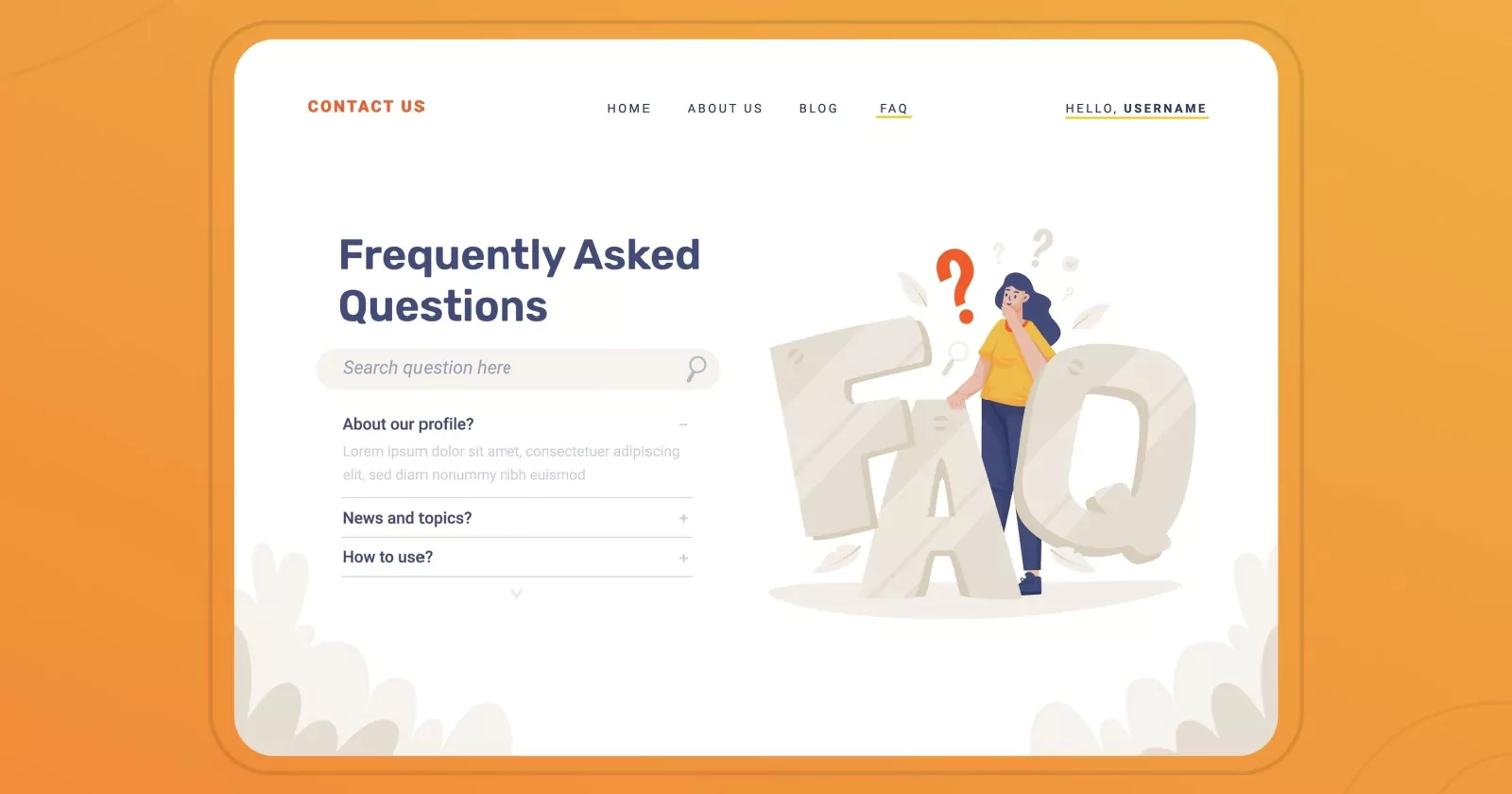
A Frequently Asked Questions (FAQ) Pagehelps address common queries about your blog, products, or services. It enhances the user experience by providing quick answers.
Purpose: To provide clarificationsand help visitors find answers faster.
Best Practices:
- Group questions into relevant sections (e.g., technical issues, billing, shipping).
- Use expandable listsor accordions to keep it clean and user-friendly.
- Regularly update the FAQ as new questions arise.
8. Sitemap Page
A Sitemapis often overlooked but plays a crucial role in SEO. It helps both users and search engines navigate your blog more efficiently.
Purpose: It provides a complete directoryof your blog’s content, making it easier for search engines to index your pages.
Best Practices:
- Include a link to your XML sitemapfor search engines.
- Offer a human-readable versionthat visitors can use to find specific content.
Read More: 5 Sitemap Examples That Showcase Best Practices In Action
9. Disclaimer Page
A Disclaimer Pageis a legal necessity for many bloggers, especially those with affiliate links or sponsored content.
Purpose: To clarify your disclosureabout the relationship with any affiliate programs, brands, or sponsors.
Best Practices:
- Clearly state whether you use affiliate links, sponsored content, or receive any form of compensation.
- Make sure it aligns with FTC regulationsto avoid potential legal issues.
10. Resources Page
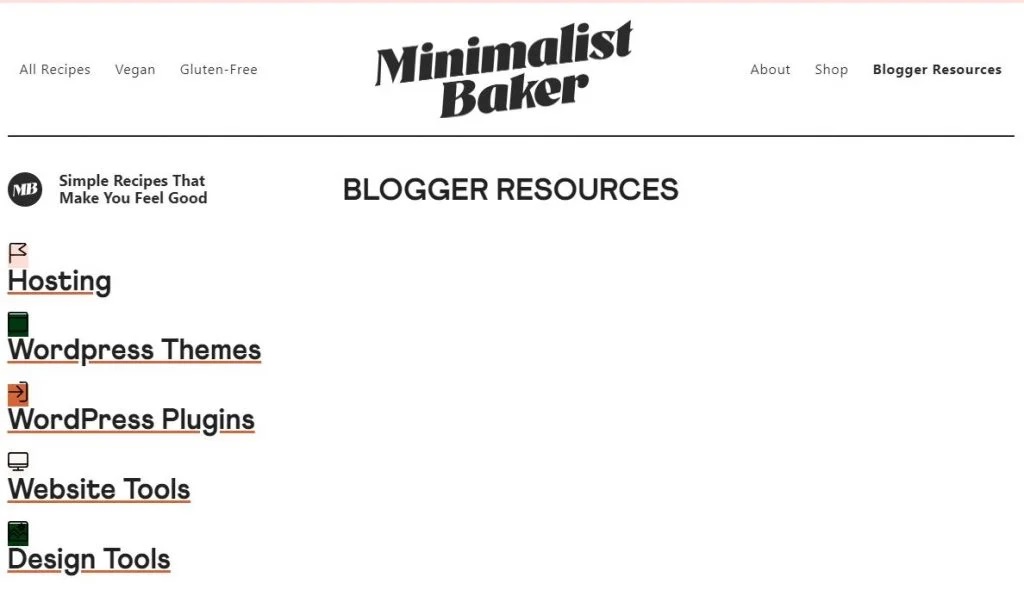
A Resources Pagecan be a valuable assetfor your readers by providing useful tools, recommendations, or links that align with your blog’s niche.
Purpose: To offer valueby curating relevant resources for your audience.
Best Practices:
- List tools, books, courses, or other blogs that you recommend.
- Include affiliate links if appropriate, but be transparent about them.
11. Blog Page
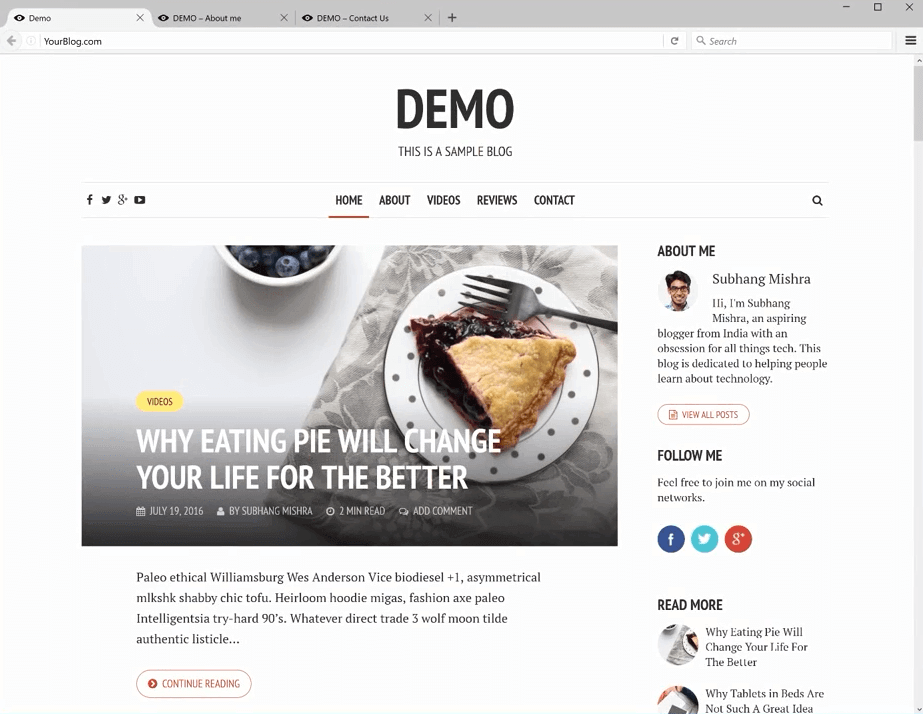
The Blog Pageserves as the hub for all your articles and posts. It should be optimized for both user engagement and SEO.
Purpose: To house all your content and keep visitors engaged.
Best Practices:
- Organize posts into categories for easy navigation.
- Include popular postsor recent articlesto encourage users to stay longer.
See Also: 11 Steps To Write An SEO-Optimized Article That Ranks In <year>
12. Client Testimonials
Including testimonialsor reviewscan help establish your credibility and build trust with potential clients or customers.
Purpose: To showcase feedback from satisfied customers or readers.
Best Practices:
- Include authentic, detailed testimonials.
- If applicable, show before and after resultsto provide proof of your services’ effectiveness.
13. Advertise Page
An Advertise Pageis essential if you’re monetizing your blog through adsor sponsorships.
Purpose: To outline the opportunities for brands or individuals to advertise on your blog.
Best Practices:
- Provide clear pricing models, audience demographics, and advertising options (e.g., display ads, sponsored content).
- Include contact informationfor potential advertisers.
14. Write For Us Page
A Write for Us Pageis an excellent way to encourage guest contributions and diversify your blog's content.
Purpose: To invite guest bloggers or contributors to submit content.
Best Practices:
- Clearly outline submission guidelines.
- Include details on the benefitsfor contributors, such as exposure, backlinks, or payment.
15. Social Media Buttons
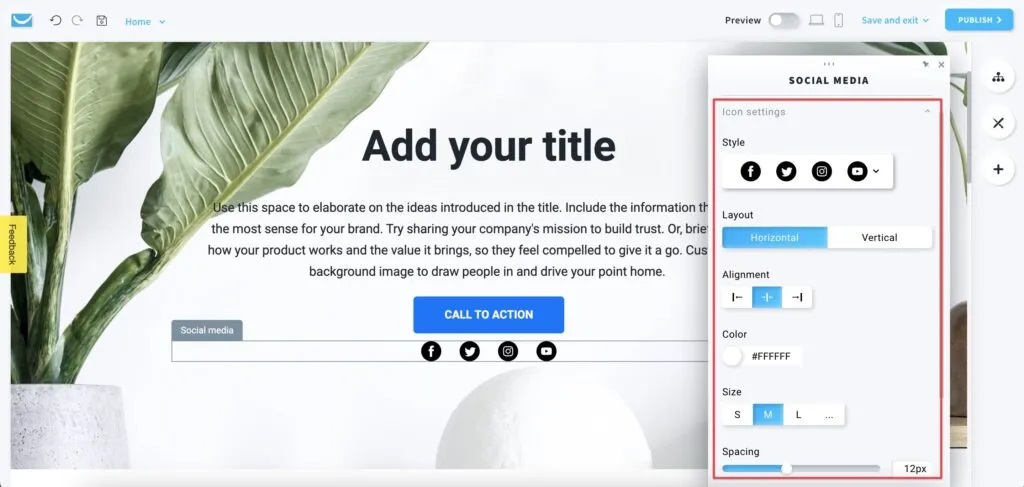
Social media buttons are a must-have for encouraging visitors to follow you on various platforms.
Purpose: To expand your social presenceand make it easier for readers to share your content.
Best Practices:
- Include social buttons for platforms where you're most active.
- Place them prominentlyon your homepage and blog posts.
16. Subscribe Page
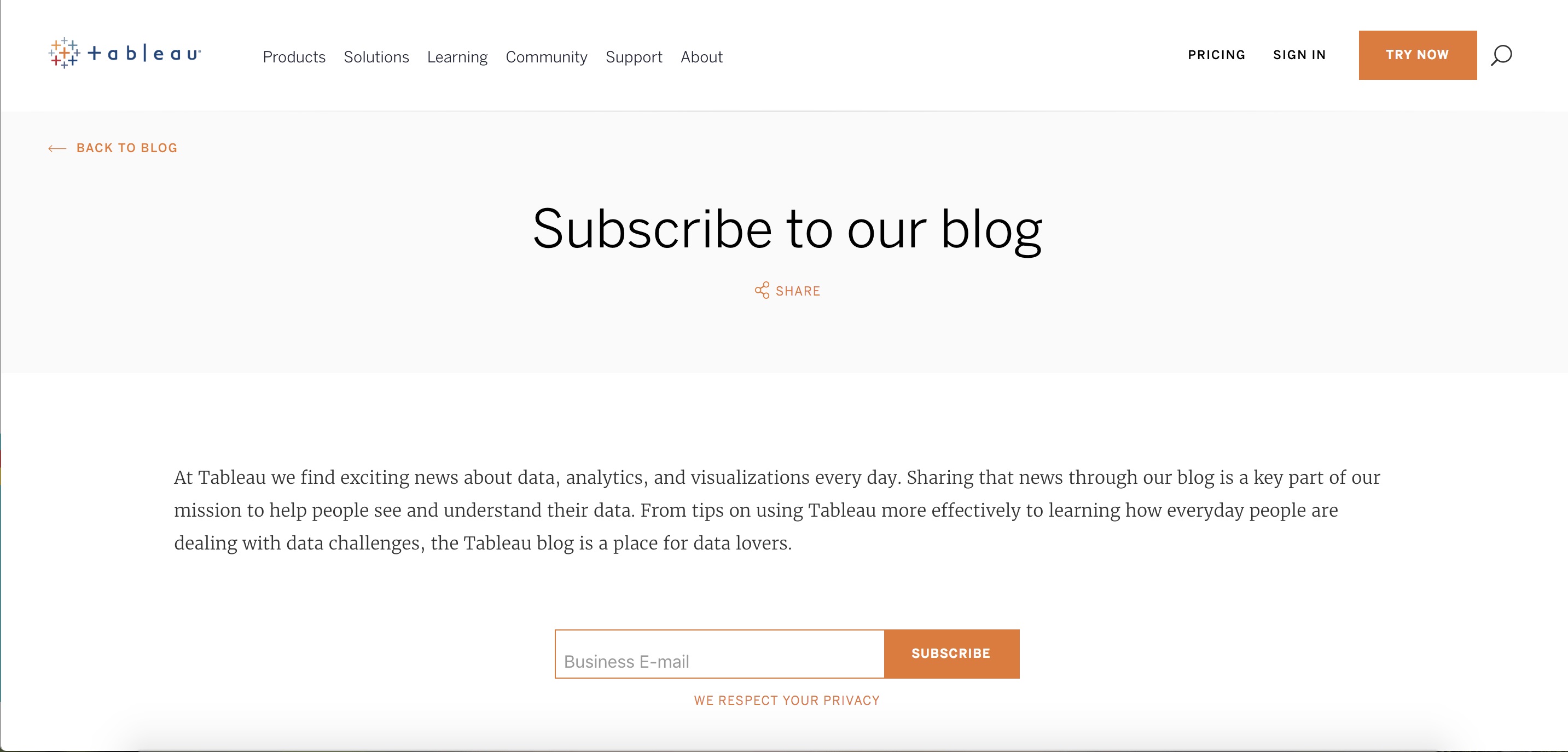
A Subscribe Pageallows you to capture email addresses for your newsletter or updates, making it a key page for growing your blog's audience.
Purpose: To build an email listfor future engagement and promotions.
Best Practices:
- Offer a lead magnet(e.g., free eBook or checklist) to encourage sign-ups.
- Keep the form short and simple, asking only for necessary information.
17. Affiliate Disclosure
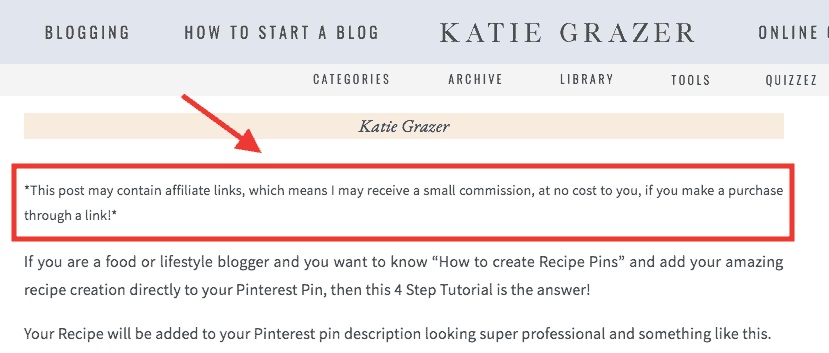
An Affiliate Disclosurepage is essential for full transparencywith your audience about your affiliate marketingpractices.
Purpose: To inform readers that you may earn commissions from affiliate links on your blog.
Best Practices:
- Place a clear disclosureon your blog post where affiliate links are used.
- Ensure it complies with FTC regulations.
18. Custom 404 Page
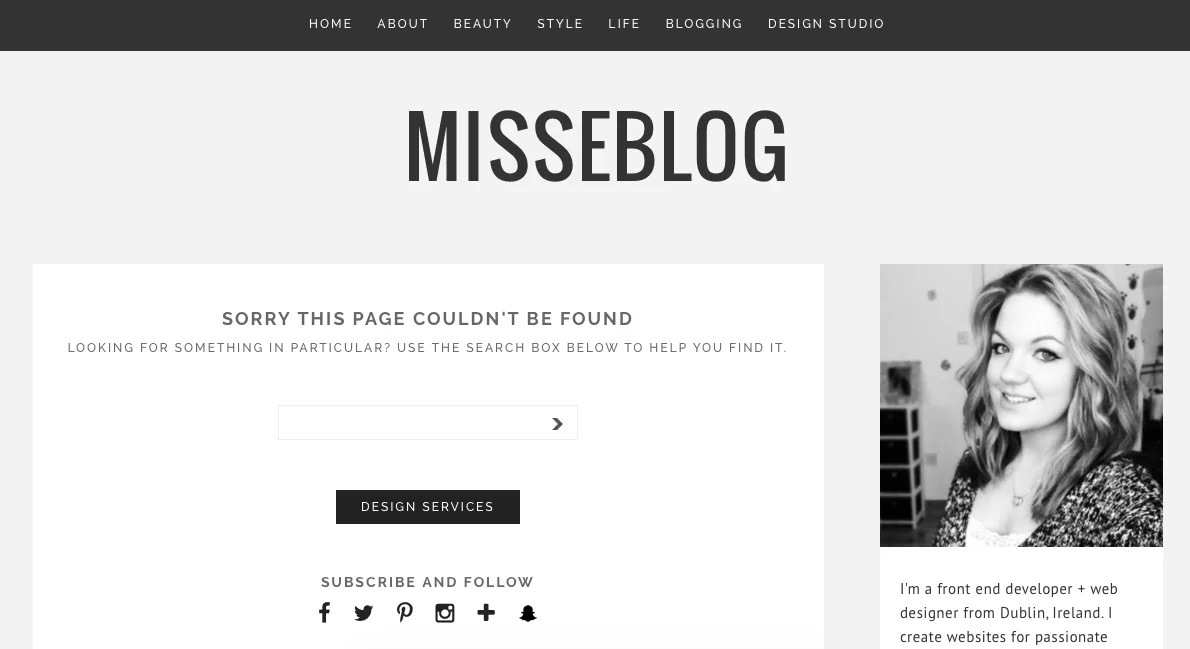
A Custom 404 Pageappears when a visitor tries to access a page that doesn’t exist or has been moved.
Purpose:To inform visitors that the page they were looking for is unavailable, while keeping them engaged and guiding them back to the main site.
Best Practices:
- Include a friendly and reassuring message to let visitors know they're still on the right platform.
- Offer a clear link to the homepage or other important sections of the site to encourage further navigation.
- Add creative elements like custom graphics, humor, or quirky designs to make the experience more enjoyable.
19. Cookies Policy
A Cookies Policyexplains how cookies are used on your site to track visitor behavior.
Purpose: To comply with laws like the GDPRand inform visitors about your cookie usage.
Best Practices:
- Clearly state what cookies are usedand why.
- Provide an option for visitors to opt-outif they choose not to accept cookies.
20. Getting Started Page
A Getting Started Pageis especially useful for new visitors to your blog who need guidance on where to begin.
Purpose: To guide first-time visitorsthrough your most popular content and encourage engagement.
Best Practices:
- Include a brief overview of your top articlesand what readers can expect from your blog.
- Offer a clear CTAto encourage readers to explore more.
21. Landing Pages
Landing pages are designed for specific campaigns, such as product launches, email sign-ups, or promotional offers.
Purpose: To convert visitorsinto customers or subscribers by focusing on a single goal.
Best Practices:
- Use compelling copyand clear CTAs.
- Keep the page focused, with minimal distractions.
22. Press Page
A Press Pagecan be helpful if your blog or brand has been featured in media outletsor has received notable recognition.
Purpose: To showcase any press coverageor media mentions.
Best Practices:
- Include linksor excerpts from press releases, interviews, or media features.
- Add logos of media outlets you’ve been featured in.
Frequently Asked Questions (FAQ)
Why Is A "Contact Page" Important For My Blog?
A Contact Pagelets visitors reach out for inquiries, collaborations, or feedback, building trust and credibility. It’s an essential way to foster communication and connect with your audience directly.
What Should I Include On An "About Page"?
An About Pageshould introduce you and your blog’s purpose, highlighting your mission, values, and expertise. It creates a personal connection and helps visitors understand why they should engage with your content.
Do I Need A "Privacy Policy" If I’m Not Selling Anything On My Blog?
Yes, a Privacy Policyis required if you're collecting any personal information from visitors, such as email addresses. It ensures compliance with privacy laws like GDPRand builds trust with your audience.
Can I Answer All Visitor Questions On A "FAQ Page"?
A FAQ Pagehelps address common questions, but it won’t cover everything. It's best for the most frequent or general inquiries, and you can update it as new questions arise.
How Does A "Resources Page" Benefit My Blog?
A Resources Pageprovides valuable tools and recommendations relevant to your blog’s niche. It enhances your authority and can also generate affiliate income if you link to paid resources.
What’s The Difference Between A "Disclaimer Page" And An "Affiliate Disclosure"
?A Disclaimer Pageprotects you from liability by clarifying any potential risks related to your content. An Affiliate Disclosureinforms readers that you may earn commissions from affiliate links.
Conclusion
Building a successful blog requires more than just creating great content. The right pagesare essential for user experience, SEO, and legal compliance. Each page plays a specific role in building trust, driving traffic, and improving your blog’s performance.
By ensuring that your blog includes these essential pages, you can create a blog that not only attracts visitors but also keeps them coming back.